The Only WordPress Theme Your Blog Will Ever Need.

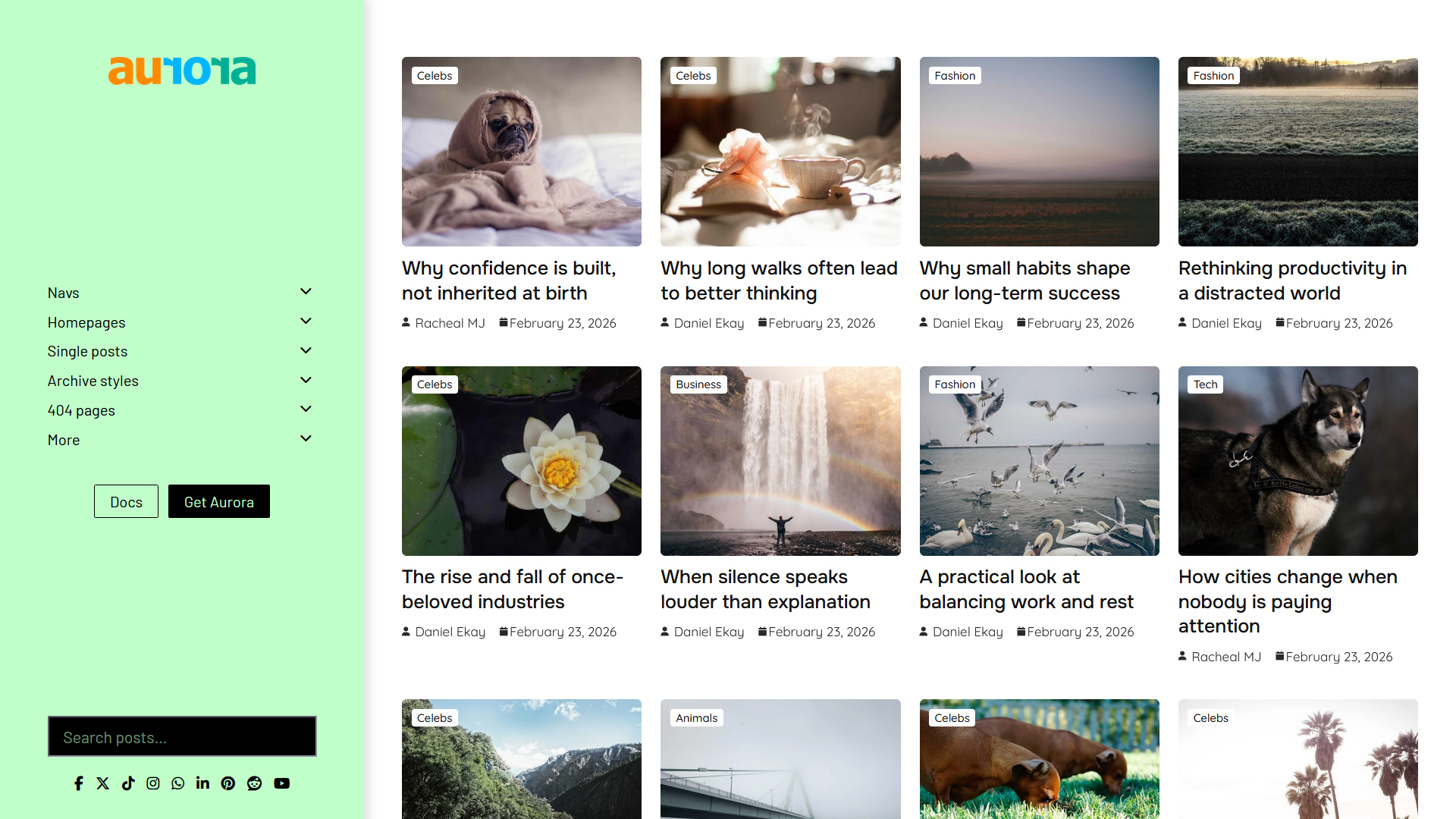
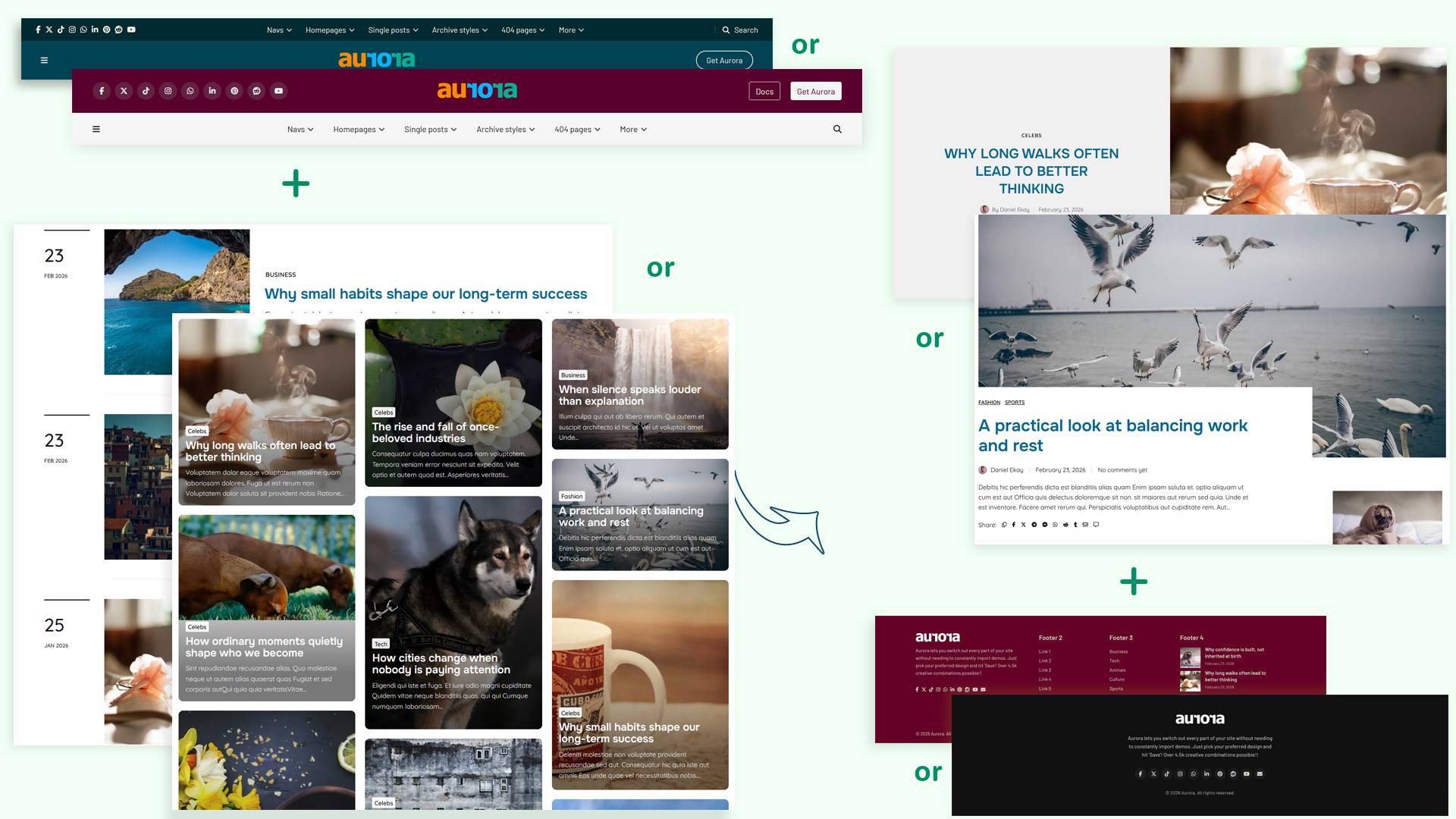
Aurora comes packed with 53 styles you can pick and shape as you wish. Instead of importing demos every time, you simply choose another style and instantly change how your blog looks. It all happens in the Customizer, so you can preview every edit live.

53

layout templates

97

Google PageSpeed

5K+

possible combinations

Mix any way. Change any part.


Aurora WordPress theme layout combinations
# What You Can Customize templates
1Header8
2Homepage5
3Single Post10
4Archives13
5Search3
6Author4
74045
8Footer5
-Total53

50+ templates. One theme. Total control.

Aurora lets you swap templates for every layout on your site: headers, archives, single posts, even 404, search, and author pages. Don't like a style? Simply switch it for a different one. No need to import any demos or write code.

And if you'd like to read about any feature or setting, Aurora's detailed documentation covers it.


Unique header variations

A header for every brand


Choose from 8 header templates: 6 horizontal, 2 vertical. Each supports social icons, contact details, call-to-action buttons, and secondary navigation.

Every header works with your style out of the box and adapts as your taste evolves. All horizontal headers support sticky scrolling using a single toggle.

Aurora WordPress theme: Detailed Header Aurora Vanilla Header Aurora WordPress theme: Elegant Header Aurora Apex Header Aurora WordPress theme: Overlay Header Aurora WordPress theme: Vertical Header

5 homepage options, each built to be extended

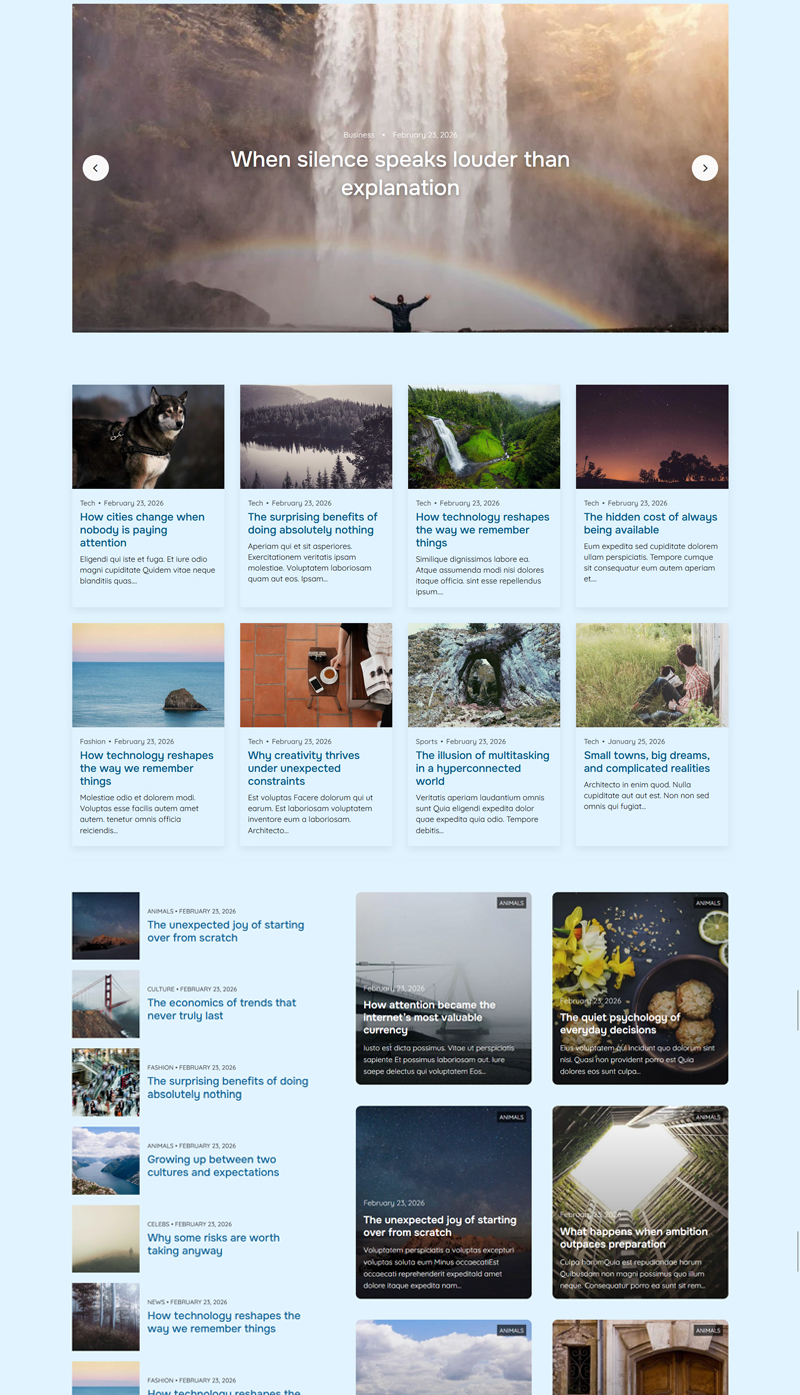
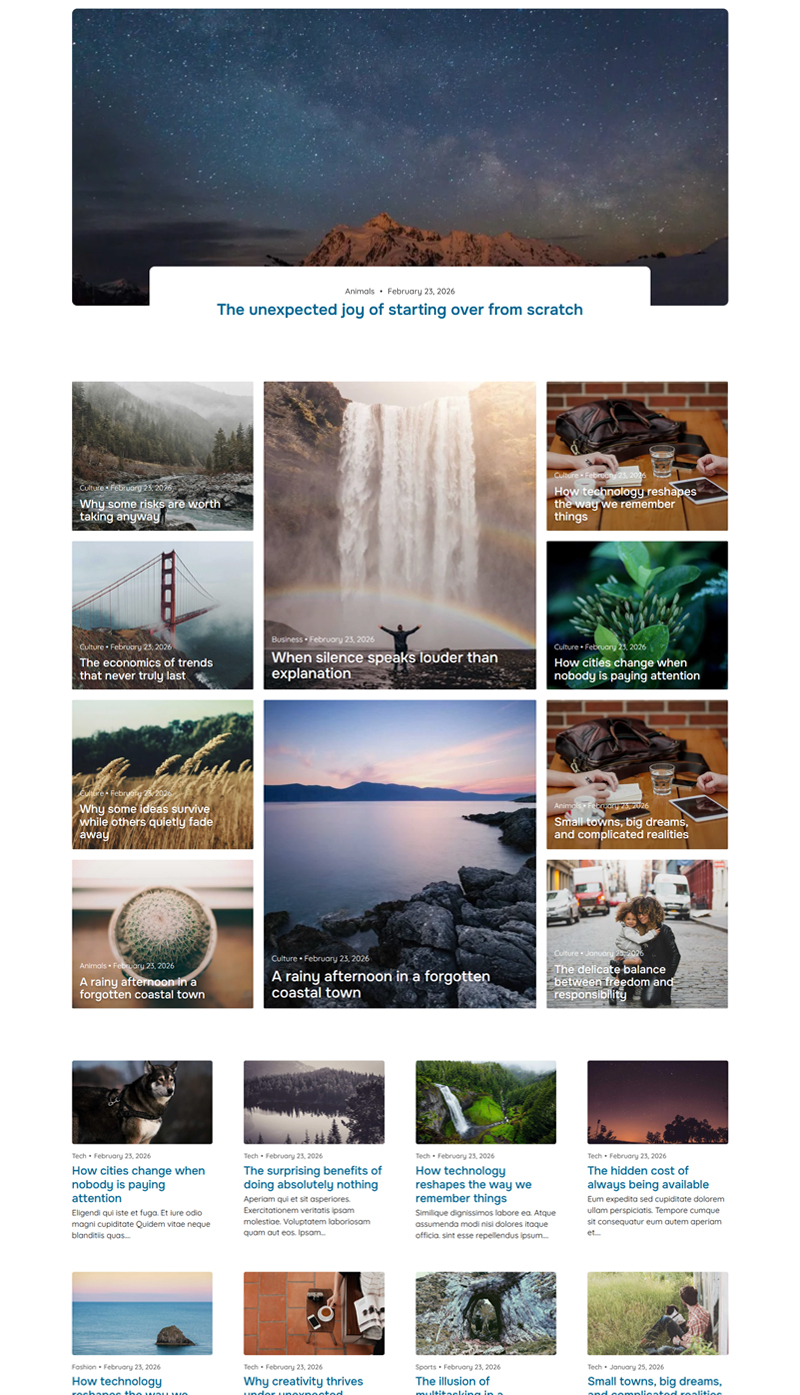
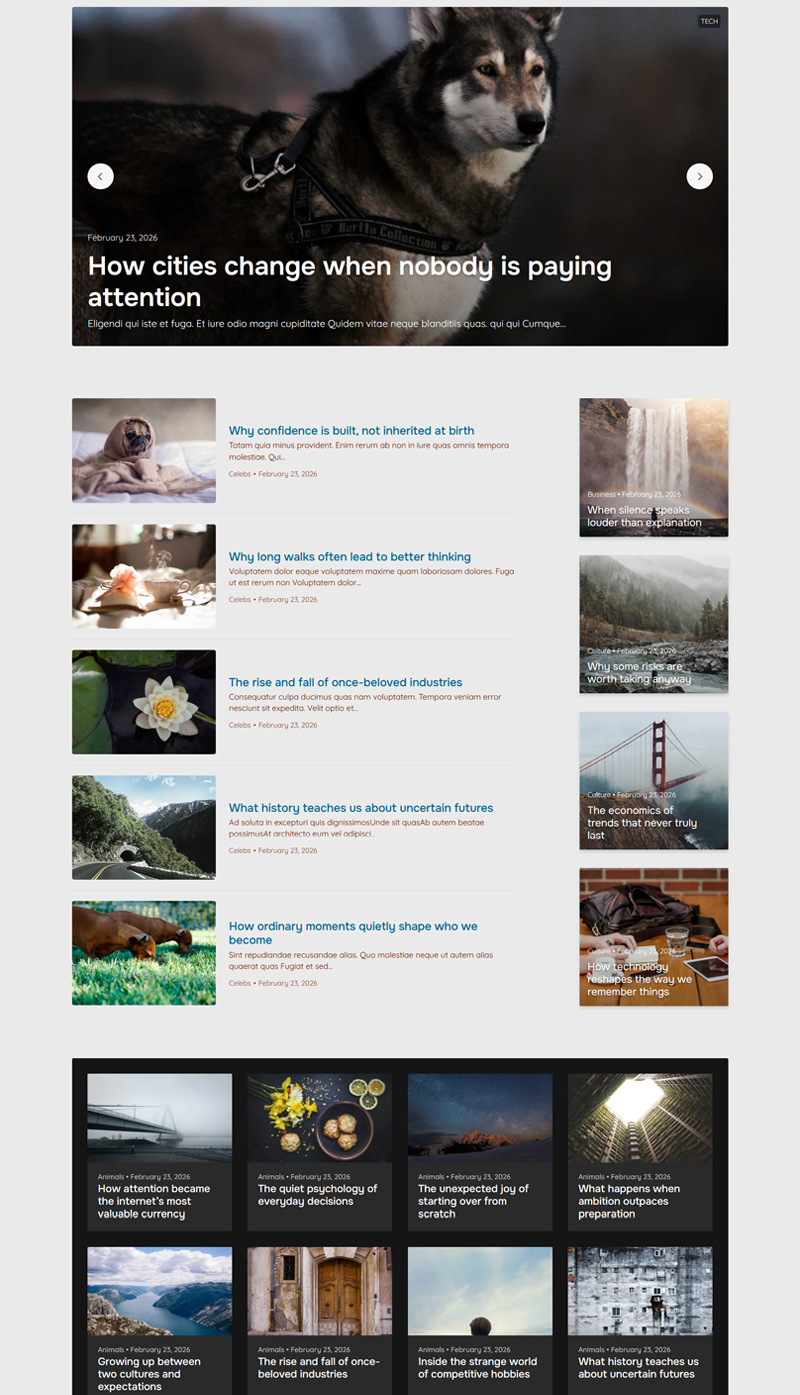
Each homepage comes with 4 flexible content sections between your post blocks to drop in custom banners, ads, HTML, or scripts without touching a theme file. Post sources and counts are all configurable, so your homepage always shows exactly what you want.

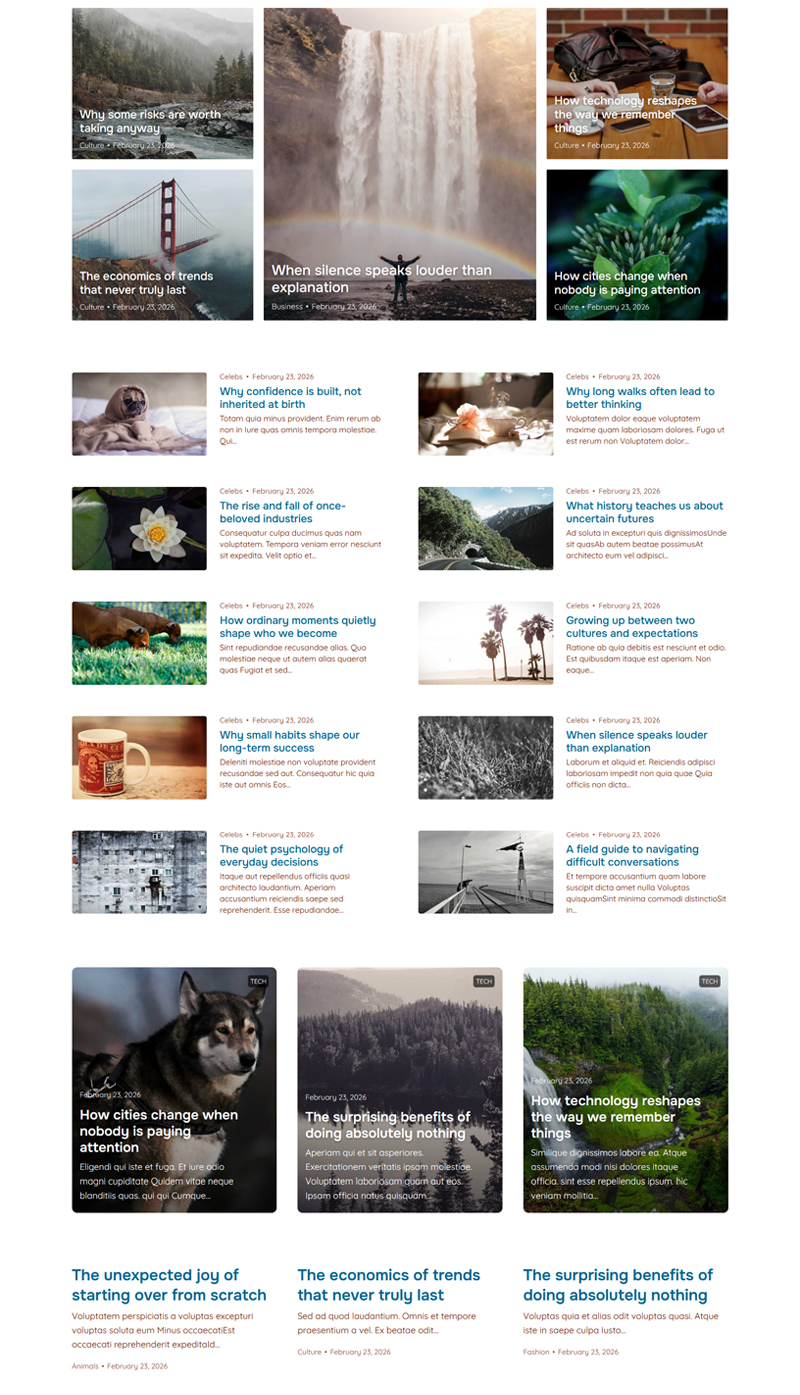
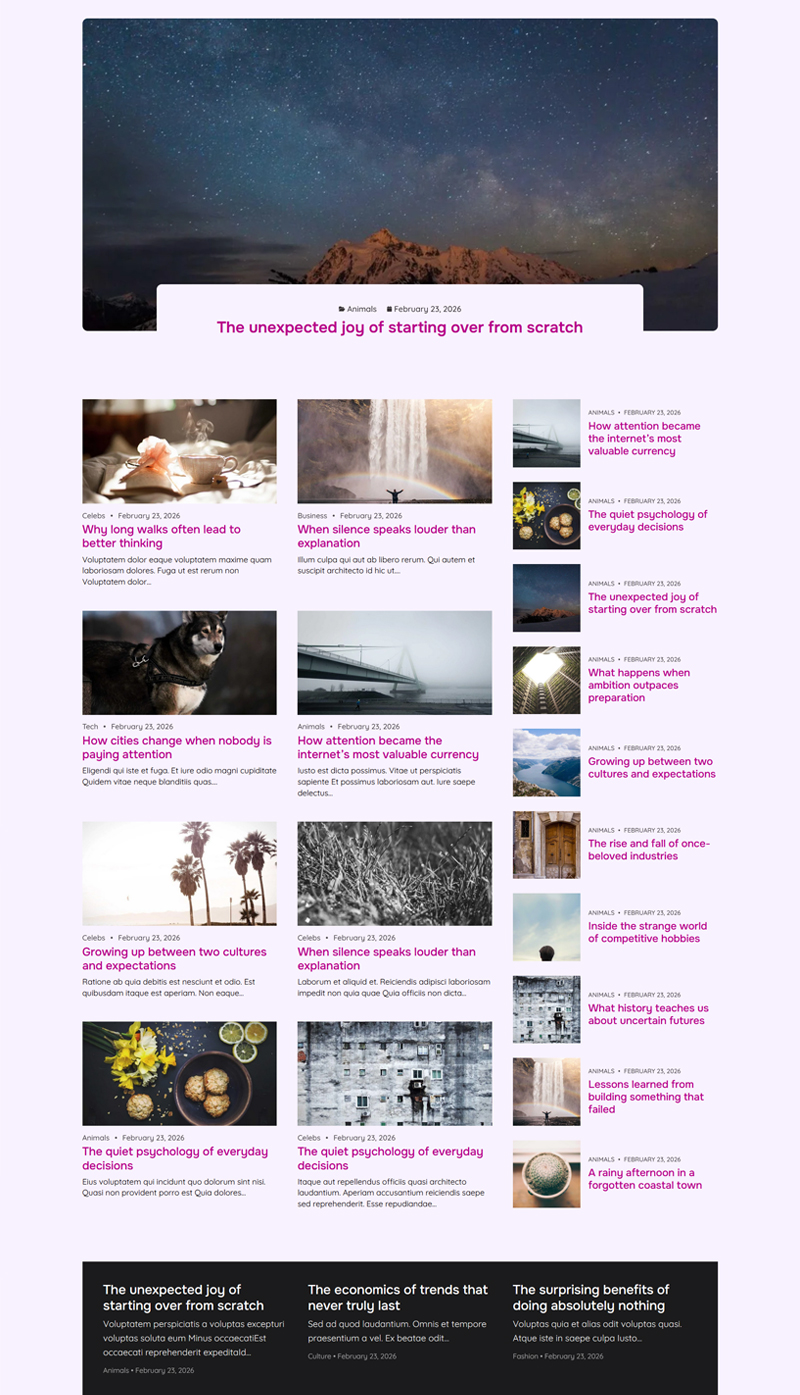
Crisp home style

Laid home style

Rich home style

Bold home style

Default home style

* You choose the colors and fonts for your homepage. These samples are just a preview of what's possible, not your only choice.

Everything you need to run a professional WordPress blog


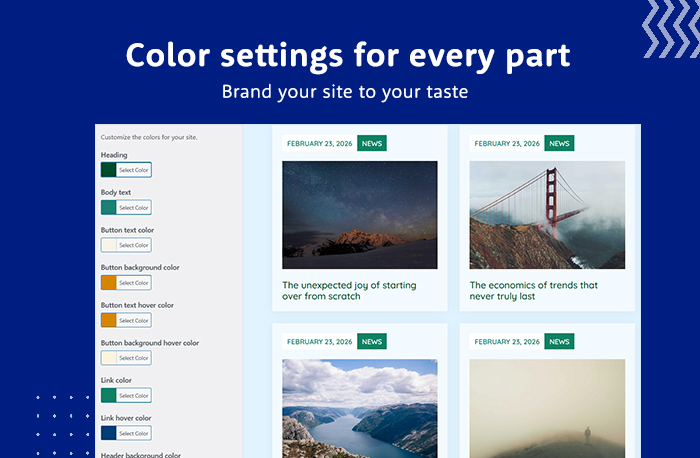
Aurora WordPress Blog theme's flexible templates Aurora WordPress Blog theme is translation-ready Aurora WordPress Blog theme color settings Aurora Responsive WordPress Blog theme

distinct styles built in

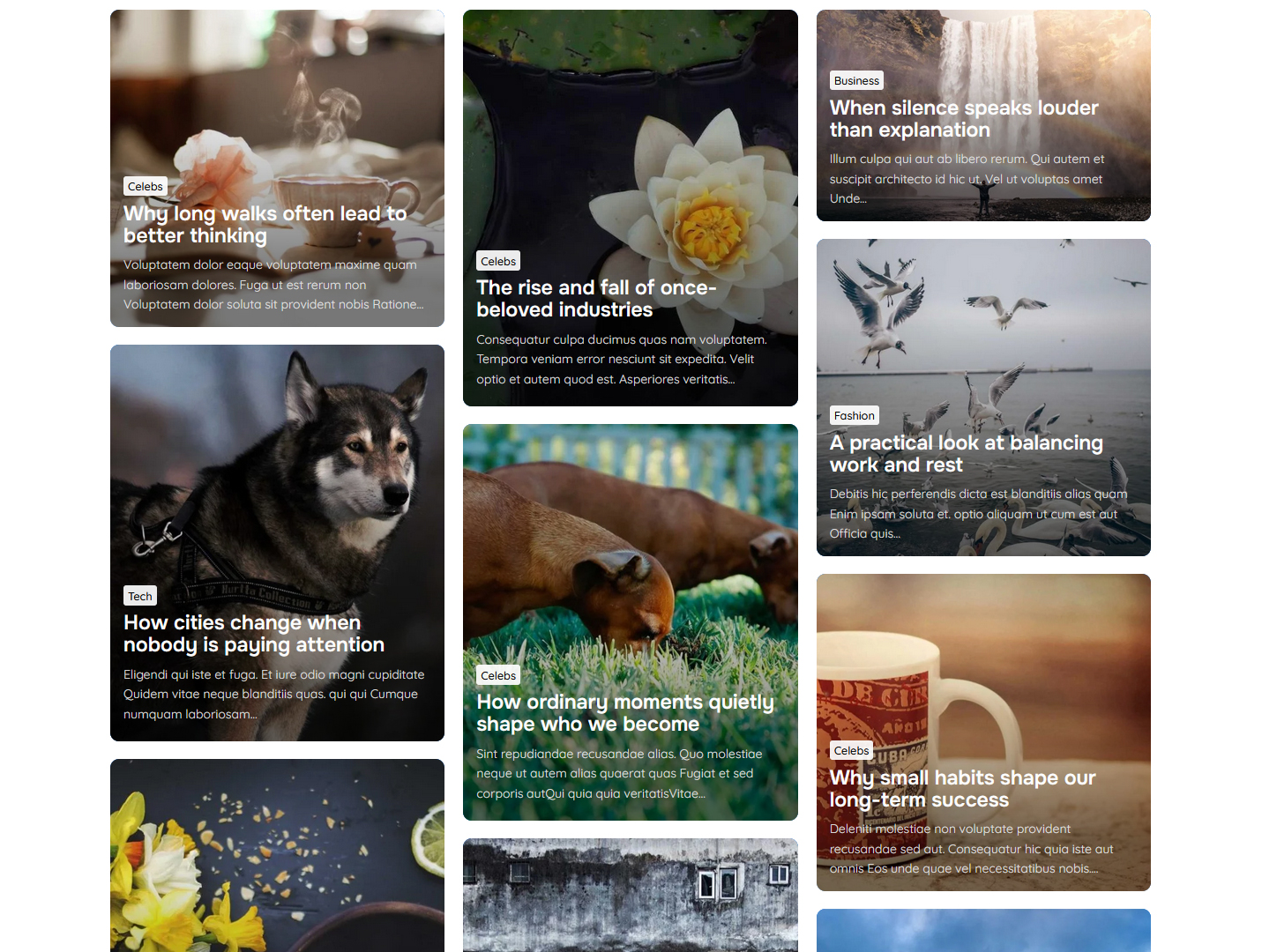
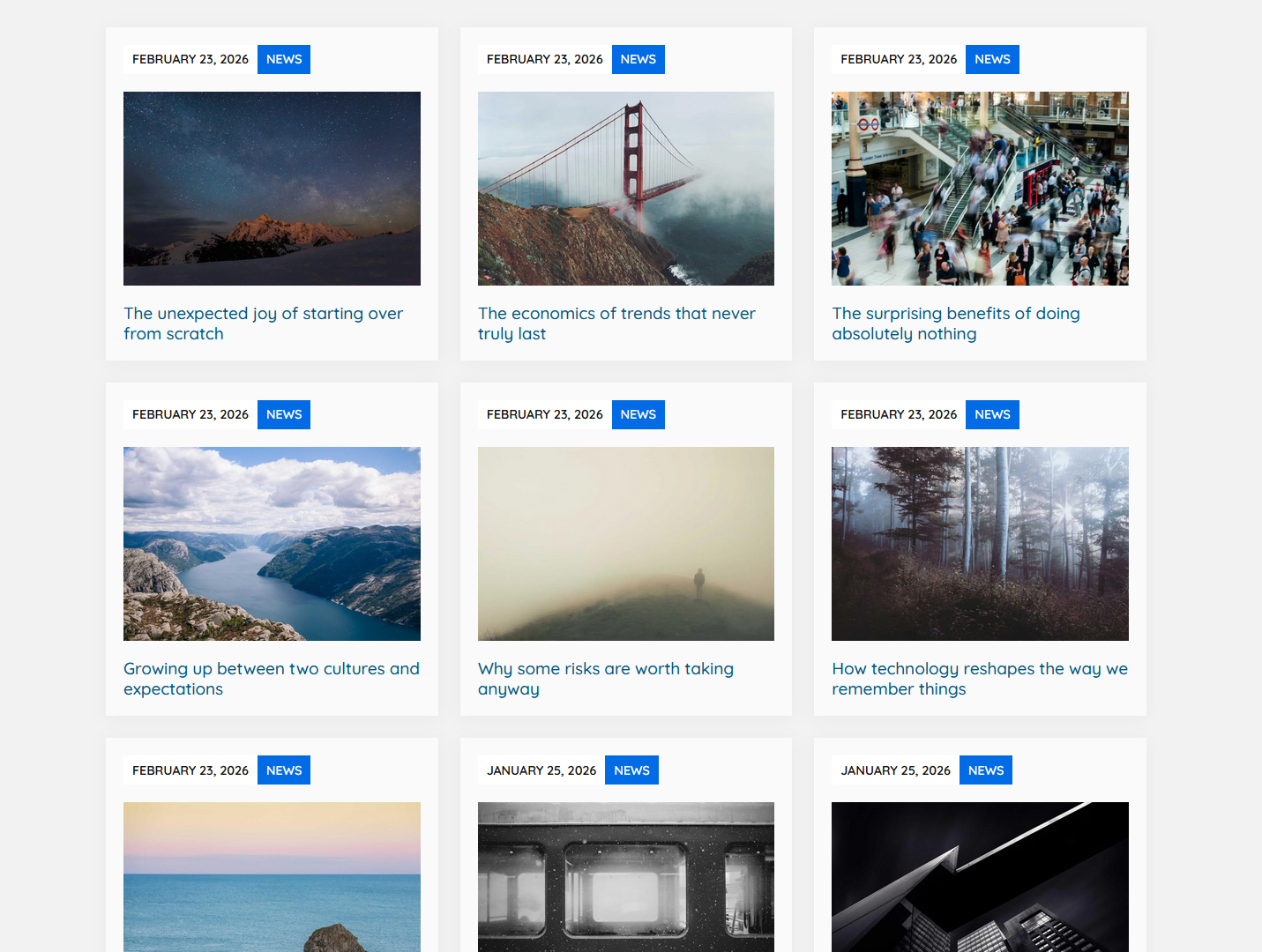
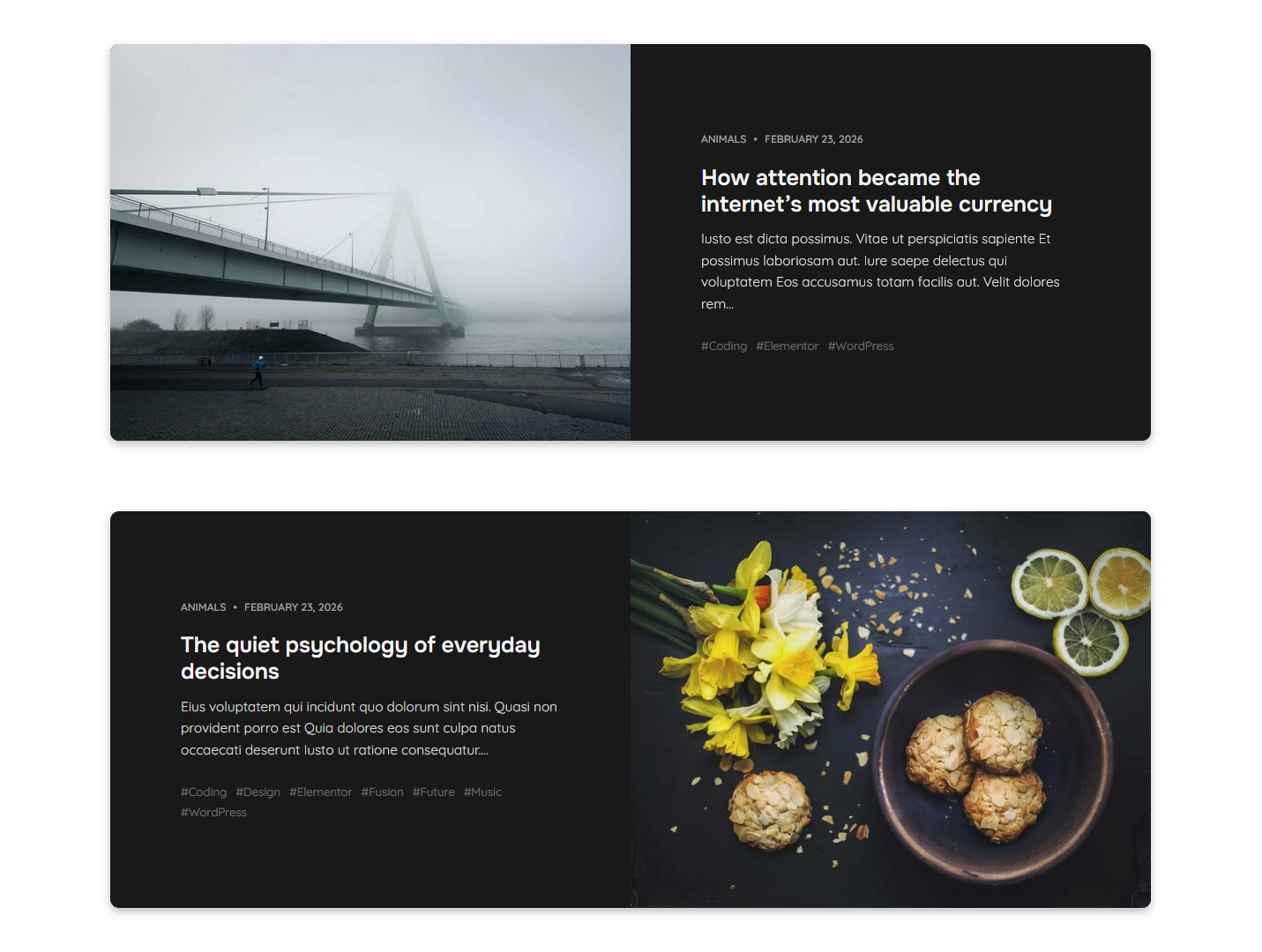
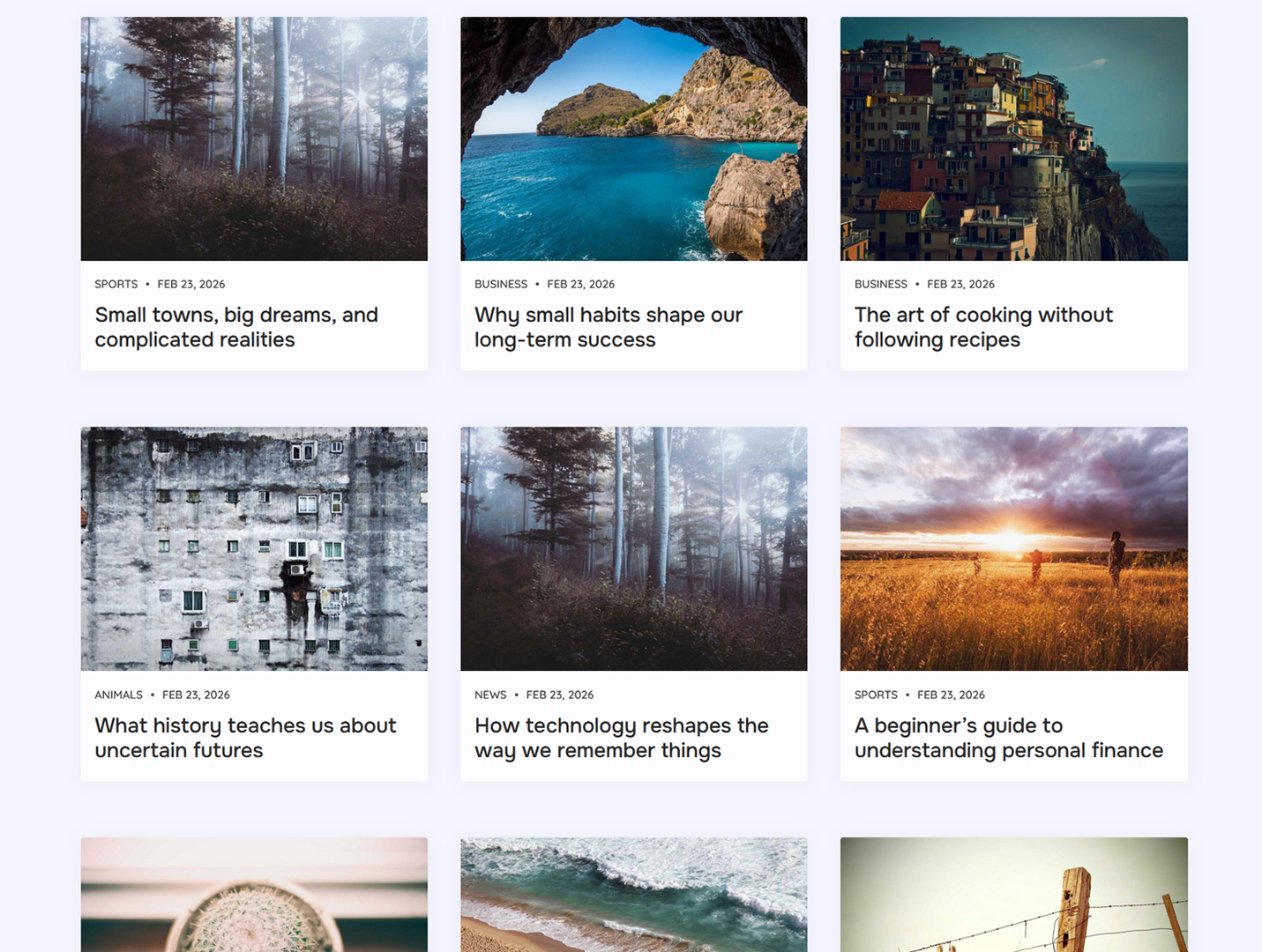
13 archive templates. And a banner you can make your own.


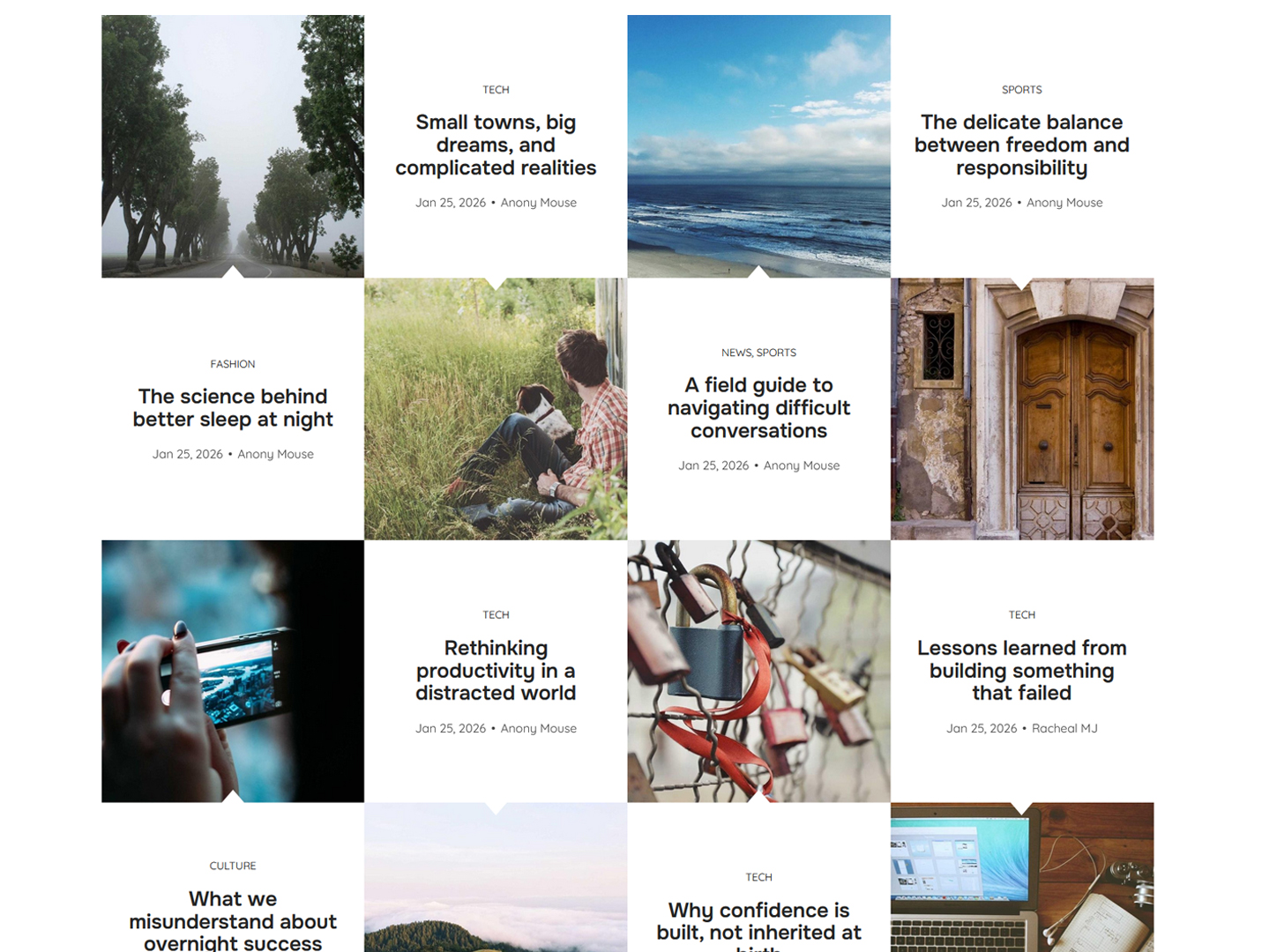
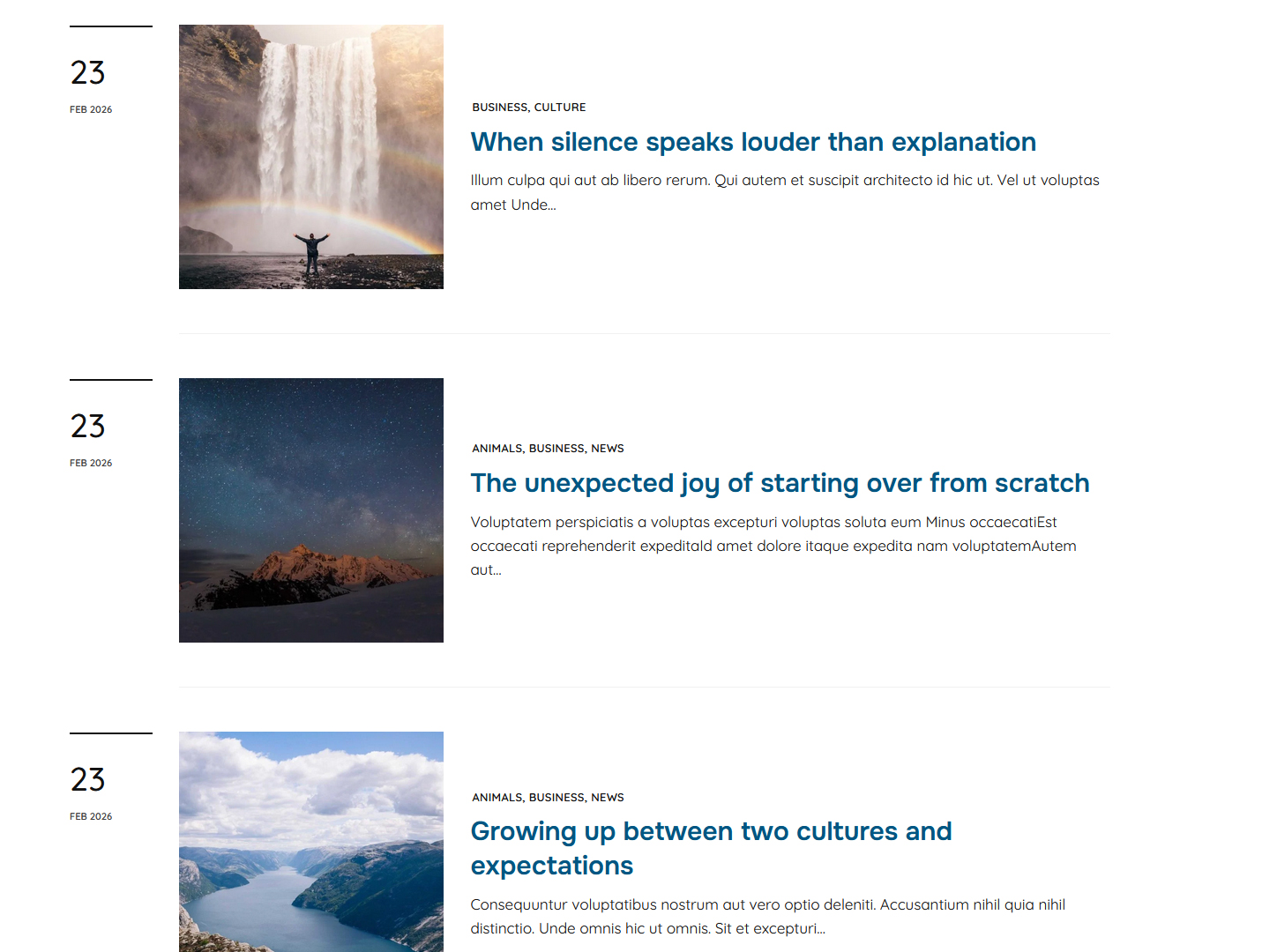
Aurora gives you 13 archive variations for your category, tag, date, and author pages. Every design adapts to your color scheme, works with or without a sidebar, and supports either standard pagination or Ajax load-more.

Six of the 13 styles are masonry-compatible; enabling them takes a single toggle.

Each archive page also includes a top banner: choose a full-width image you can replace, a minimal inline style, or hide it altogether. All without touching a line of code.

* 13 templates · Masonry toggle · Sidebar control · Load More or Pagination · Settings for the archive banner.

Search, Author, & 404 on Aurora

Every page covered, not just posts and archives

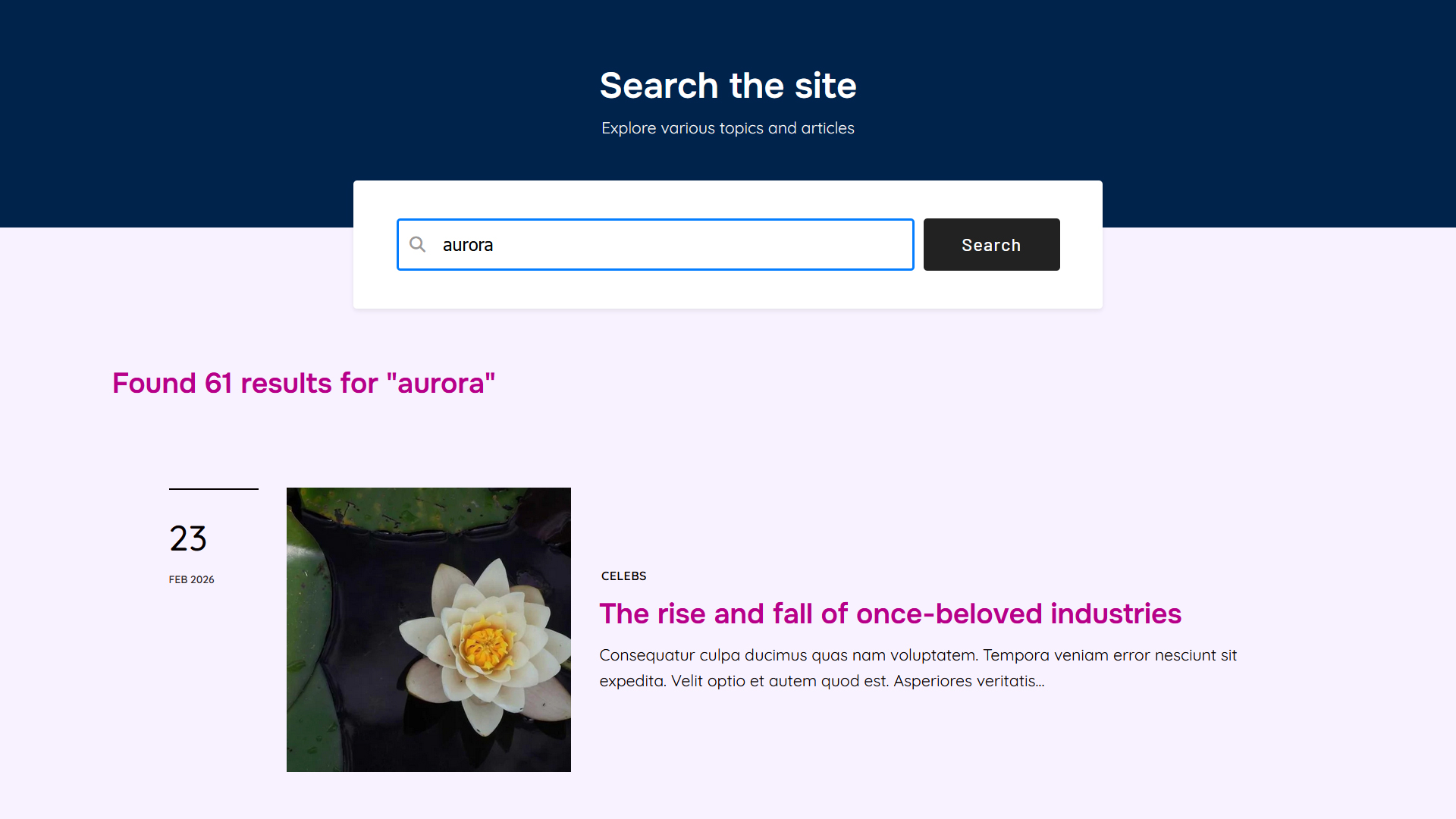
Search results, author profiles, and 404 pages are often afterthoughts in theme design. Not in Aurora.

Search and Author pages each come with their dedicated design variations, and they follow the same post display style used by your archives, keeping your site visually consistent without extra configuration.

The 404 page takes things further with its own set of unique designs. Choose a style, add a custom menu, set helpful CTAs, or swap the background image to match your brand.

Aurora WordPress theme search page style

Built right, from the ground up


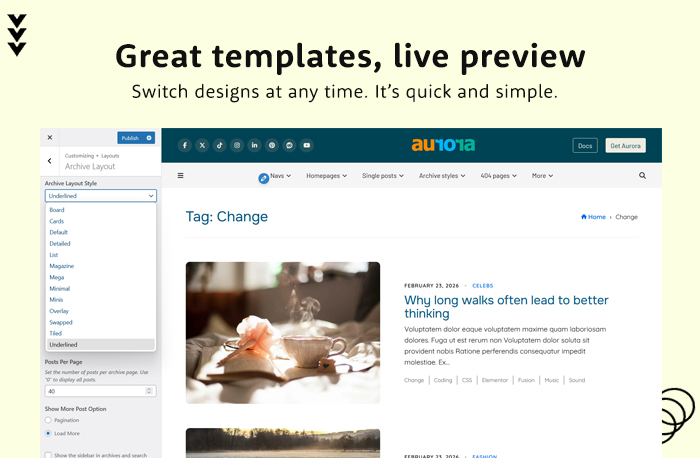
Live Customizer Preview

Every template, color, and font change is previewed live before it goes public. What you see is exactly what your visitors get.


Optimized for Speed

Aurora loads only the CSS your active layouts actually need. No unused stylesheets, no bloat, no unnecessary dependencies shipped to your visitors.


No Code Required

Every design, color, font, and content decision is yours to configure. No need to edit theme files or write PHP.


Built to be found by search engines and AI

Aurora outputs clean semantic HTML with structured schema on every post and page, so search engines and AI tools both read your content the way it's meant to be read.

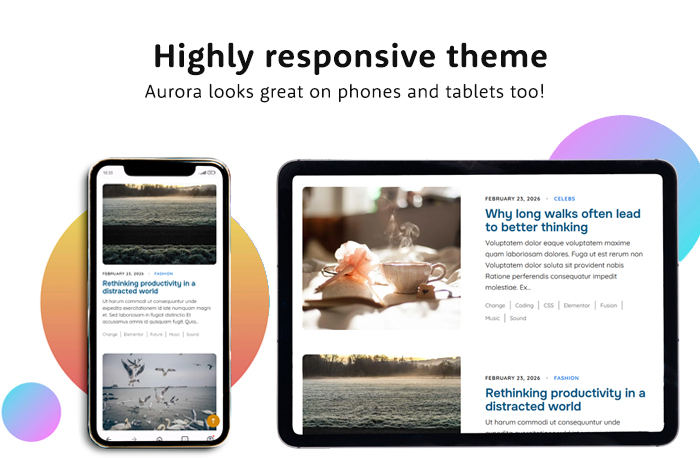
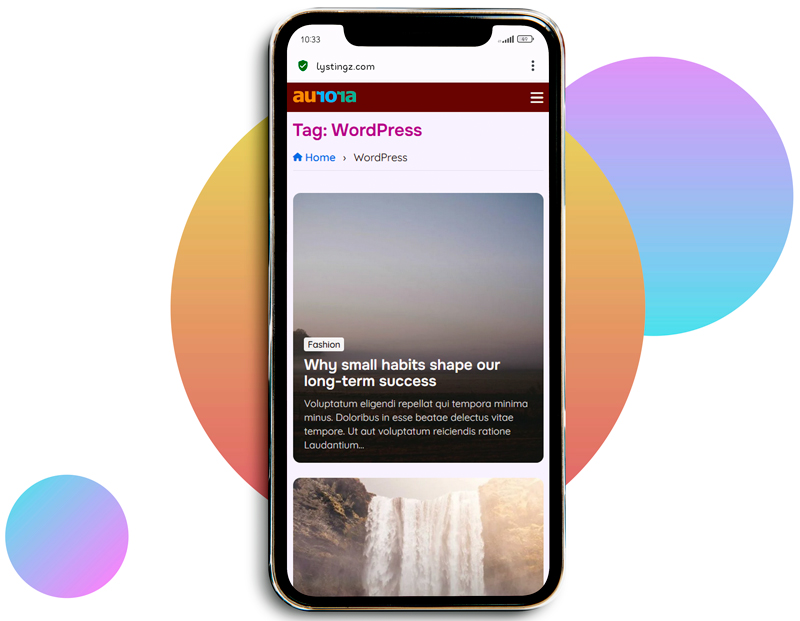
Aurora WordPress blog theme on phone

More to Love from Aurora


In-depth documentation

In-Depth Documentation

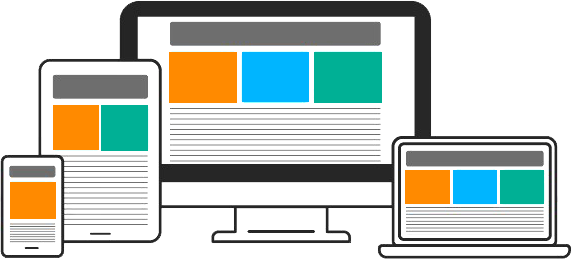
Responsive design

Fully Responsive

Multilingual support

Multilingual & RTL Support

Flexible layouts

Flexible by Design

Child theme available

Child Theme Available

Ads and banners

Ads and Promo Banners

Elementor compatibility

Works With Any Page Builder

Google Fonts Library

Google Fonts Library

Regular Updates

Free Updates, Forever

Search Engine Optimization

SEO and LLM Friendly

Live Preview

Customizer-Powered

Wocommerce compatibility

WooCommerce Ready

Ajax loading and masonry support

Ajax Load More and Masonry

Social Media Integration

Social Media Integration

Demo import

Sample Content Available

WordPress optimized

WordPress Coding Standards+

Hear from other Aurora lovers


★★★★★

Aurora's mix and match philosophy really helped my blog a lot! I never have to worry about demo imports anymore. I simply choose a new design or adjust theme options anytime I want a fresh look.

Emily Carter
Emily Carter Lifestyle Blogger, United States
★★★★★

For a theme with so many features, you'd expect Aurora to be relatively sluggish. Instead, it loads amazingly fast. We've noticed higher visitor counts and lower bounce rates since switching to Aurora.

Victoria Brooks
Victoria Brooks Digital Publisher, Australia
★★★★★

Aurora's Nova plugin gave us more templates than we'll ever need. Together with the theme, we can now build better blogs that always look unique. The theme comes packed with so many features the developers that didn't even write about.

Matthew Turner
Matthew Turner Agency Founder, Canada
★★★★★

I wasn't expecting so many color options! As a sucker for beautifully designed sites, I was always afraid of having a site I couldn't brand or having to use custom CSS just to get the look I wanted. Aurora eliminated those concerns by providing so many color options, including the ones I never knew I needed.

Natalie Reed
Natalie Reed Small Business Owner, United States
★★★★★

As a developer, SEO and site performance are core requirements I can't compromise on. Aurora made me stop searching for alternatives when it comes to building modern, high-performance blogs. I mean, you can literally set up the whole thing within minutes. Great theme!

James Cooper
James Cooper Web Developer, United States
★★★★★

This theme ended my search for the perfect blog theme. Themes I tried in the past either broke something on my site or lacked an essential feature. Aurora feels like a product that had an incredible amount of thought poured into it. The support is exceptional. It honestly feels like something I'd expect to pay extra for.
Hannah Price
Hannah Price Content Creator, France
★★★★★

Even though Aurora is already thoroughly documented, the team still responds to questions and helps with customization. Aurora is so feature-rich that you actually want to use all the templates at once!

Andrew Collins
Andrew Collins Tech Blogger, Germany
★★★★★

Aurora made me switch my blog to WordPress. A theme that makes blogging incredibly simple, has every option I need, and is available for a one-time payment was an offer I couldn't pass on. Whenever I need inspiration or want to explore what's included, the demo site has me covered.

Laura Simmons
Laura Simmons Travel Blogger, Brazil

We're Here to Help You Get Started


Free Staging Site for You

Want to see Aurora running with your actual content before going live? We'll set up a staging environment for you, fully configured, so you can explore every layout with your own posts.


Free Migration & Full Theme Setup

Switching from another theme? We'll migrate your existing blog and configure Aurora for you at no extra cost. Just reach out after purchase and we'll take care of everything.


Great Support and Documentation

Need a hand or just curious how something works? Our documentation covers every layout, setting, and customization option in detail. And if you'd rather just ask, we're always a message away.

Explore Aurora using your content

Frequently Asked Questions


Yes. Whether you write about food, fashion, tech, or travel, Aurora's layouts and customization options cover the styles those audiences expect. And you can shape it further with colors, fonts, and content blocks.

The best place to start is the Aurora demo video; it walks through the entire Customizer live, showing how you switch headers, homepages, archive styles, and more in real time. You can also open the live demo site and explore every layout yourself before purchasing.

Yes. Aurora Lite is a free version of the theme available from the WordPress theme directory. You can install it on your site and explore the core layouts and features before deciding to upgrade. There are no time limits and no credit card required.

All layout options: headers, homepages, archive styles, single post designs, and more, are controlled from the WordPress Customizer. Select a layout from the dropdown, see it previewed live, and save when you're happy. No coding or file editing required.

Installing Aurora will not affect your existing posts or pages. Your content isn't modified in any way. What changes is the presentation; you gain full control over your header, footer, archive styles, and single post designs, without any risk to the content itself.

No. Aurora is a one-time purchase with no subscriptions, no locked features, and no renewal fees. Every feature is included from day one, and all future updates are free.

Yes. Aurora works alongside Elementor, Gutenberg, and any other page builder you already use. Your existing pages and posts will continue to work as normal, and you can use your page builder of choice to create new content or override theme sections as needed.

Yes. Your WooCommerce store will continue to function normally with Aurora installed. There are no conflicts, and your products will inherit the color and font settings you configure in the Customizer.

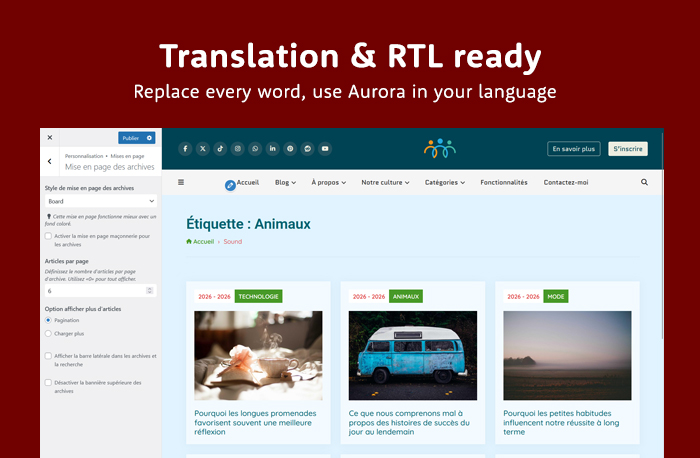
Yes. Every string, label, and piece of text in Aurora can be translated using any translation plugin. The theme already ships with translations for German, Spanish, French, Arabic, Italian, Dutch, and Japanese, and a full RTL stylesheet is included for right-to-left languages.

Aurora includes detailed documentation in the theme files. You can also browse the live demos or read the documentation online before purchasing.

Yes. Although the standard license covers one website, you may get the extended license, which allows theme usage on unlimited sites.

Yes. While Aurora is designed to be fully configurable without code, we understand that some setups need a more tailored touch. Reach out with your customization request and we'll be happy to help.

Yes. If you'd rather not install Aurora on your live site, we'll set up a staging environment for you. You get a fully working WordPress install with your content so you can explore every layout and setting before going live. Just get in touch and we'll sort it out. Prefer to go it alone? You can also install Aurora Lite directly from the WordPress theme directory and test the core layouts on any site, for free.

Yes, and it's free. Migration and full theme setup are included for all customers at no extra cost. Switching from another theme? Reach out and we'll handle everything: layouts, colors, fonts, menus, and any other configuration you need, at no extra charge.

Yes. Aurora receives regular updates for compatibility with new versions of WordPress and WooCommerce, along with improvements and occasional new features. All updates are free for existing customers.

Before you purchase, we strongly recommend exploring the live demo to see exactly what Aurora offers, including every header, homepage, layout, and archive style. What you see in the demo is what the theme supports, so please review it closely and confirm it fits your needs before buying.

If you're unsure whether Aurora can do something specific, reach out before you buy and we'll give you a straight answer. We're glad to help you figure out if Aurora is the right fit ahead of time.

Aurora is actively developed, and feature requests are genuinely welcome. If something you need isn't there yet, tell us and it may shape a future update. That said, since the demo accurately reflects what's included, refund requests based on features that were never listed or demonstrated won't automatically qualify. We're always happy to talk it through first.

Yes. Aurora has an official child theme you can download here. It gives you a safe place to add custom code and styles without touching Aurora's files, so your changes survive every update. If you've already been customizing through the Customizer, a one-step migration snippet copies all your settings over automatically.

Your content is never stored in Aurora; all your settings live in WordPress itself. Switching themes will change your site's appearance but will not affect your posts, pages, or any other content.

© 2026. Aurora WP Theme